Camera moves,asked for inplain words
Write pan, tilt, roll, zoom, or horizontal and vertical travel into the prompt alongside the subject and the timing. Find the take in My Assets when it is ready.
5s · 720p · Text prompt
Kling 3.0 is available in ChatCut's Video Gen on eligible paid plans, alongside Kling 4.0 and Kling 4.0 Flash. Generate 3 to 15 seconds at 720p or 1080p from text, frames, or reference images, with native audio. Use up to 7 images total, including the first and last frames.
See how to set up Video GenRequires an eligible paid plan. A credit pack alone does not unlock it. About 3 credits for a 5s 720p clip.
Describe the shot, the camera move, and the timing — generate 3 to 15 seconds with Kling 3.0, then keep cutting in the same editor.
Describe the video you want to create…
These examples use other ChatCut models and tools.
Generate video from text, images, or a first and last frame, then edit, caption, voice, and score it, all in one place.
Download Desktop Download for macOS Download for Windows Generate a videoNeed more help? team@chatcut.io
Kling AI's model overview · ChatCut model specs
Step-by-step posts from the ChatCut blog on getting the most out of Kling.
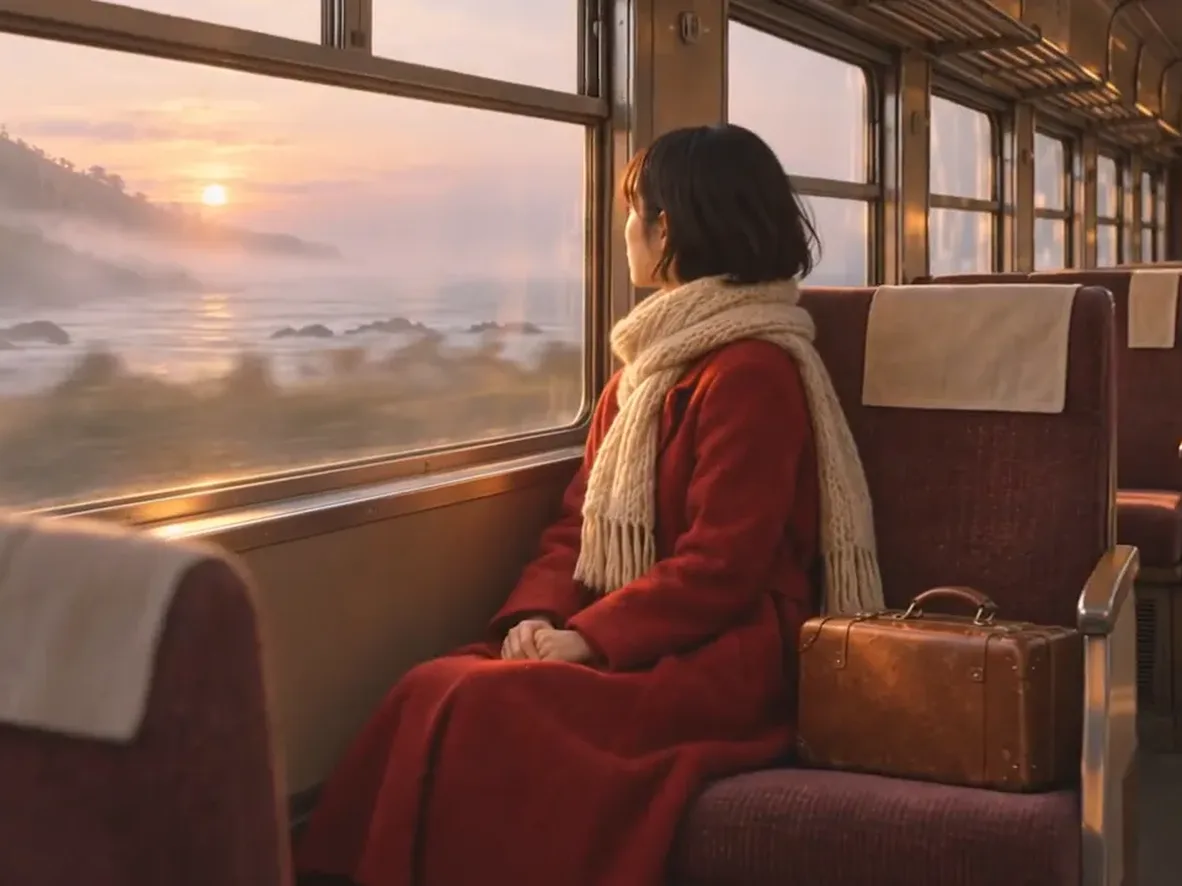 Kling 4.0 Review: 30-Second Clips, Reference Videos and 8 Real Tests
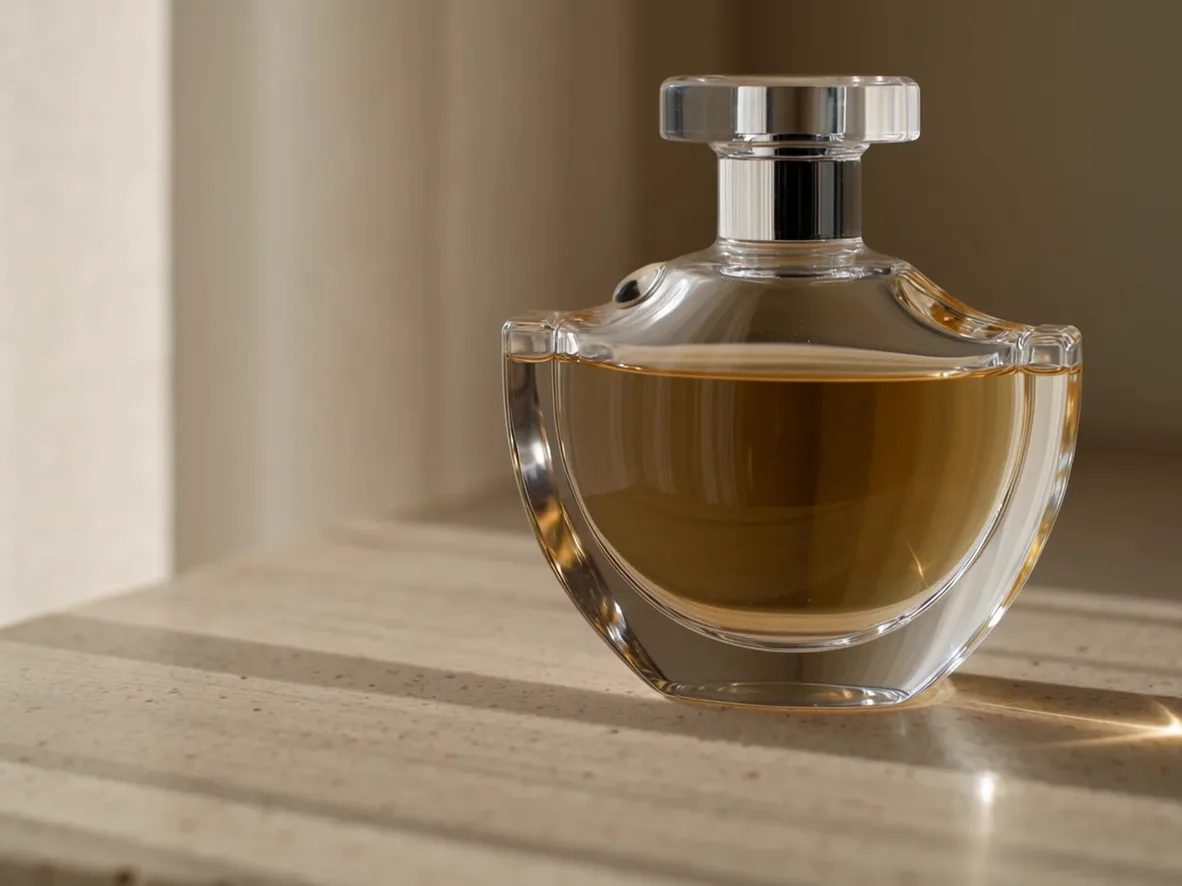 12 Kling 4.0 Prompts: Copy-Paste Guide With Real Videos
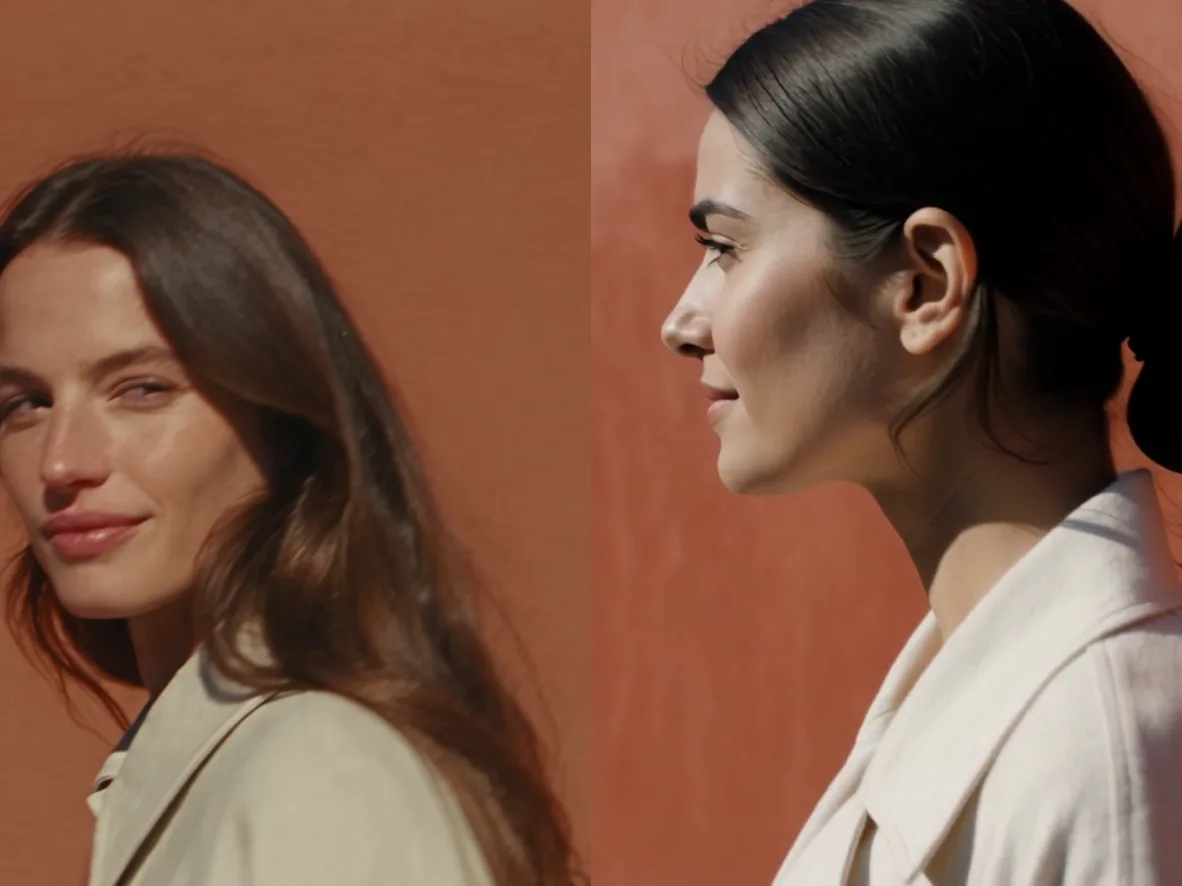 Seedance 2.5 vs Kling 4.0: Which Is Better? We Ran 8 Tests
 Image-to-Video Prompts: 15 Motion Prompts for One Photo
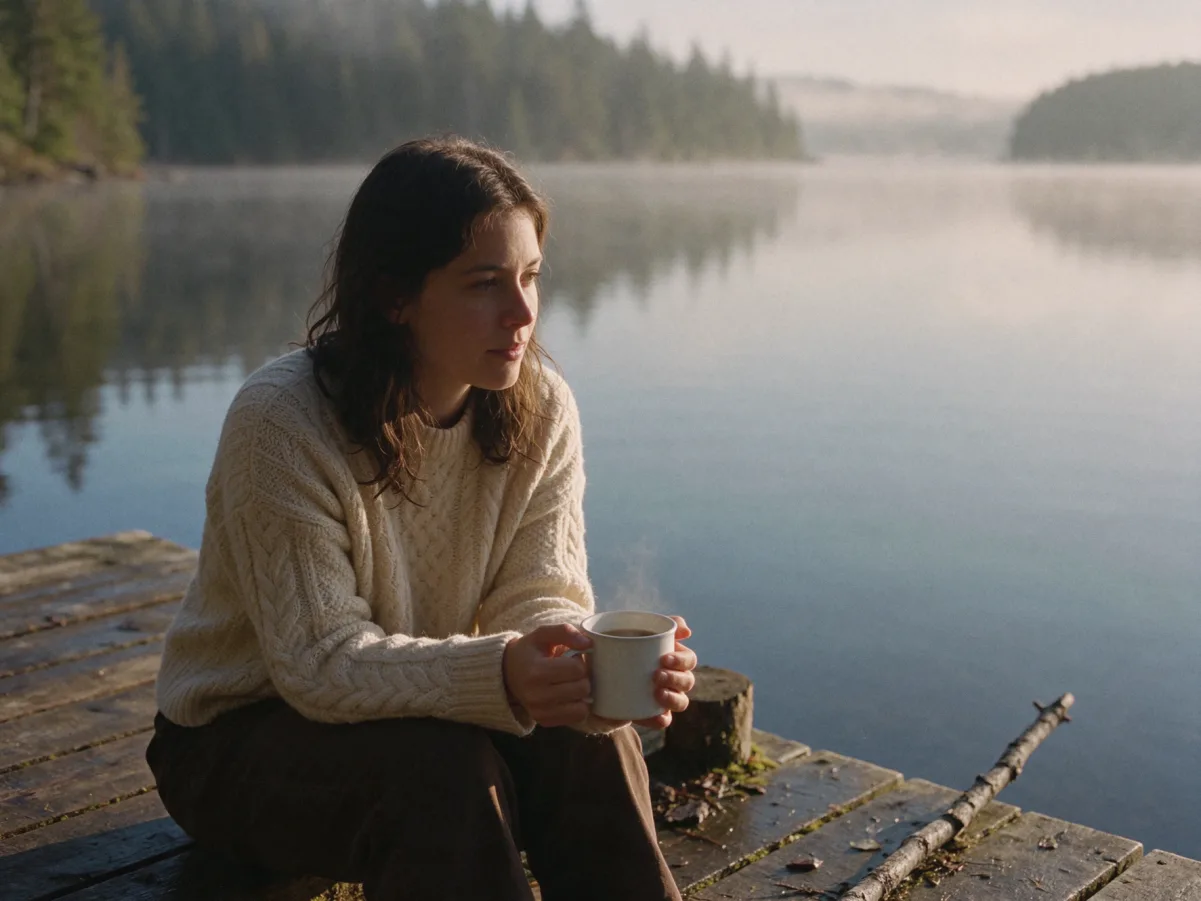 AI Image to Video: A Complete ChatCut Tutorial
 Best AI Video Prompts: 80 Examples for Generating Video and B-Roll
 9 Best AI Image to Video Generators in 2026 (Free & Paid, 4 Models Tested)
Choose Kling 3.0 or Kling 4.0 in Video Gen
Kling 3.0 and Kling 4.0 are available in Video Gen on eligible paid plans.